
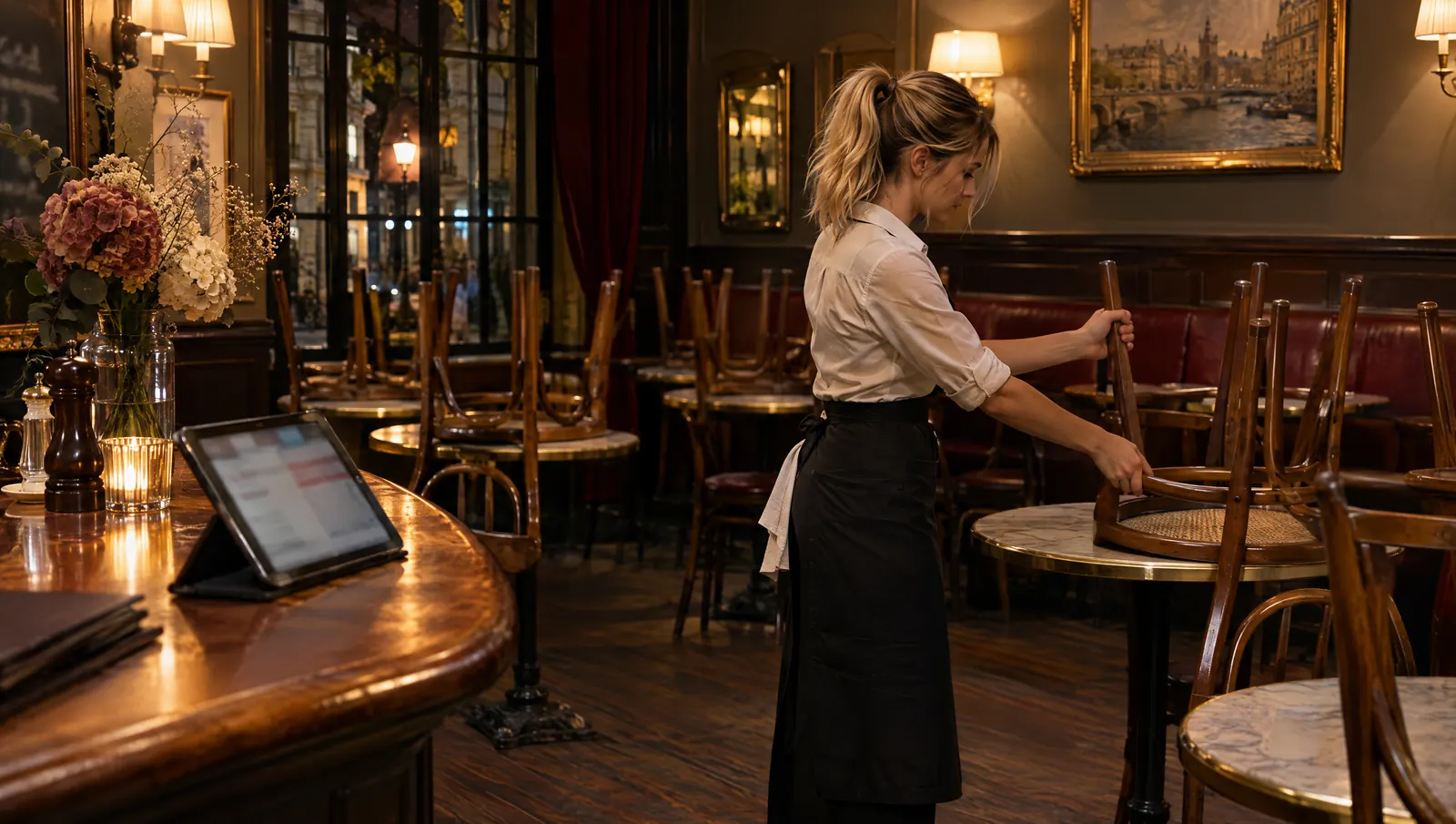
A closing checklist guided step by step gives one step at a time, in the order you walk the building, records each "done" at the moment of the task and can tell you where you are after an interruption. A seasonal worker closing alone for the first time then no longer has to hold the list in her head. The next morning, the manager reads what was done, when, and what is missing.
Tuesday, 10:35 p.m., the owner has just left
Soraya is twenty. It is her second week of the summer season at a seaside crêperie, and tonight, for the first time, she is closing on her own. Ginette, the owner, left at 10:30: "It's all on the tablet, you can't go wrong." Soraya has closed twice with her. She remembers the griddles, the chairs, the till. The rest is a blur.
She props the tablet on the counter and asks: "What's left?" San answers: "Nine items. First: switch off the griddles and the fryer." She does, comes back: "Done." San reads it back: "Tick 'griddles and fryer off', 10:41?" She confirms. Next step: empty and cover the topping containers.
At 10:55, someone knocks on the glass. A guest has come to collect a takeaway order that was due at 10:30. Soraya finds it, takes payment, apologizes for the wait. Twelve minutes go by. When she gets back, she cannot remember whether she covered the containers or only meant to. She asks: "Where was I?" San: "Four of nine done. Next: take the walk-in cooler temperature." The containers are ticked, at 10:49. She can carry on.
At 11:20, she hits a snag with the trash container: the padlock is locked and the key is not on its hook. She tells San, which prepares a "not done" with the reason "container key missing". She confirms and leaves the bags in the bin room.
At 9 the next morning, Ginette opens the history: eight items done with their times, one not done with its reason, a walk-in reading at 11:06. She did not need to call. (Scene and characters are fictional.)
Why the first solo close tends to go wrong
A paper list assumes you already know it
A closing sheet is written by someone who has closed for years. It says "fryer" without saying where the switch is, "cooler" without saying which one. For a veteran, that is enough. For a seasonal hire, every line is a question, and there is nobody to ask.
An interruption breaks the thread
A late guest, a driver, a phone call, a broken glass. Closing is the most interrupted task of the day, because it starts while the restaurant is still running. After each break, you pick up from memory, and memory mixes up what you did with what you meant to do.
Alone, nobody dares to write "not done"
When nobody is watching, ticking a line you could not complete feels less bad than leaving a gap. It is the other way round: a gap gets fixed in the morning, a false tick never does. Our piece on avoiding fake compliance at closing explains how this happens.
The next day, the sheet does not say what is missing
A sheet ticked from top to bottom at 11:30 p.m., in one stroke, says nothing about the order of tasks, what was skipped, or why. The manager can only trust it or check everything again.
What a guided close should do, step by step
What goes on the checklist is a separate topic. Here we are talking about the flow: how a person works through the list when they are on their own.
- Give one step at a time. Not the whole list on screen, but the next action, in the order of the physical route: kitchen, cold storage, dining room, till, exits.
- Turn "done" into a timed tick, after confirmation. The person says what they did, the tool reads back what it will record, they confirm. The time is when the task happened, not the end of the night.
- Make "not done" as easy as "done". With a short reason, no essay. That is what prevents false ticks.
- Restart from the real state of the checklist. After an interruption, "where was I?" must get an answer based on what is ticked, not on what the tool assumes.
- Show the procedure when the task is unfamiliar. "How do I drain the fryer?" calls for the restaurant's own procedure, with its steps, not an invented explanation.
- Treat critical items separately. For a temperature reading, the value matters more than the tick: a good tool repeats the number it heard before saving it.
- Never close out on the person's behalf. The tool can mention that two items remain. It does not tick them, and it does not declare the close finished until it is.
Point 4 is the one that reassures a beginner most. She no longer has to remember: she asks, and the answer comes from what she confirmed ten minutes earlier.
The moments of the evening, and what the tool says
| Moment | What the person says | What a good guide does | What it does not do |
|---|---|---|---|
| Start of close | "What's left?" | Gives the number of items and the first one | Read out all nine at once |
| Task finished | "Done." | Reads back the tick and waits for confirmation | Tick without confirmation |
| Unfamiliar task | "How do I drain the fryer?" | Shows the restaurant's procedure | Improvise a method |
| Interruption | (nothing, she goes to serve) | Keeps the state as it is | Nag her while she serves |
| Restart | "Where was I?" | Gives what is done and what is next | Guess what was done |
| Impossible item | "I don't have the key." | Prepares a "not done" with a reason | Tick it to finish the list |
| Reading | "Three degrees." | Repeats the value and the equipment before saving | Save a number it misheard |
| End | "Are we good?" | Says what is done and what is left | Answer "all good" with nothing behind it |
What the manager reads the next morning
A guided close also serves the person who was not there. Ginette does not ask "did it go well?". She reads facts: which items are ticked, when, by whom, which one is missing and why, what temperature was recorded.
That has two effects. It replaces the 11 p.m. phone call, which forces the other person to say "yes" without being able to check. And it turns a "not done" into a morning task: the container key becomes something to sort out, not a reprimand. We look at that moment in an AI that reassures a manager alone at closing time.
There is a line to hold. The history is about the close, not about Soraya. It says the walk-in was checked at 11:06, not that she "took too long". A tool that started measuring the person's pace would become a surveillance tool, and the beginner would stop writing honest "not done" entries.
Common mistakes
- Leaving the beginner alone with the full list. Nine lines read at once at 10:30 are forgotten by 10:40.
- Skipping the walkthrough. Guidance does not replace one close done together beforehand: show where the switches, the keys and the bin room are.
- Punishing "not done". One sharp remark the next day is enough for every reason to disappear afterwards.
- Writing the steps by category. "Hygiene, safety, dining room" makes people cross the restaurant three times. The order should follow their feet.
- Only reading the completion rate. Nine out of nine ticked in the same minute tells you less than eight out of nine with a reason.
What to measure
- The number of "not done" entries with a reason per week. If it stays at zero week after week, the team probably does not dare to write it.
- How tick times line up with the route. Items ticked out of order, or all in the same minute, point to a list filled in after the fact.
- Morning problems whose cause was visible the night before. It is the only measure that tells you whether the close really protects the opening.
Where Tsuno and San fit in
In Tsuno, opening, closing and prep checklists already exist: templates, completion on a tablet, history. Temperature readings are taken per piece of equipment, with thresholds, and a reading outside the threshold alerts the site's managers. That history is what Ginette reads in the morning.
San adds a way of moving through the list. You ask "what's left on the closing checklist?", look up a procedure, get guidance through a routine check. Every tick goes through a confirmation (the two-step rule), and a seasonal worker gets from San only what her permissions already open to her in Tsuno.
Picking up after an interruption, the way Soraya does in the scene, is part of what we are building, as is systematically repeating the number before saving a reading: we do not claim either is already there. On the voice side, San Voice can be seen in a demo and the hands-free mode (San Audio) is still being tested. The Tsuno San page presents the assistant, and the features page details checklists and readings.
Further reading
For what goes on the list itself, read the closing checklist that avoids fake compliance and its morning counterpart, the opening checklist people actually use. For the same guided flow at dawn, see the morning opening, guided step by step. On the manager's side, an AI that reassures a manager alone at closing time. And for the bigger picture, the pillar page Tsuno San: the work companion for frontline teams.
Key takeaways
A guided close gives the next step, timestamps each confirmed task and knows where you are after an interruption. The beginner no longer carries the list in her head, and the manager reads facts the next morning instead of calling at night.
Frequently asked questions
How do you help a seasonal worker who closes alone for the first time?
Give them one step at a time, in the order they move through the building, with the procedure for any task they have not done before. They should be able to say done or not done at each step, and find their place again after an interruption without relying on memory.
What should you do if you are interrupted halfway through the closing checklist?
Restart from what is actually ticked, not from what you think you did. A checklist filled in as you go keeps the exact state: asking what is left puts you back in the right place.
Can you tick off a closing checklist by voice?
With Tsuno San, voice interaction is available in demo. The person says what they have done, San prepares the tick and reads it back, and nothing is recorded without their confirmation. A fully hands-free experience is still being explored.
How does the manager know the next day what was done at closing?
By reading the checklist history: each item ticked with its time and the name of the person, items not done with their reason, and dated temperature readings. There is no need to call that night to ask whether everything is fine.
Is a not done item at closing a mistake?
No. A not done with a reason is useful information for the morning team. The real problem is an item ticked without being done, because nobody will pick it up.
Keep reading
Hygiene and compliance
The morning opening, guided step by step
Opening alone at 6:45 a.m. means deciding with nobody to ask. Guided steps give the order, written priorities and the right move if a fridge runs warm.
Hygiene and compliance
Allergens: why no tool should answer from memory
On allergens, no tool should answer from memory: it shows the dish's approved, dated sheet, or says it has none and refers you to the person in charge.
Hygiene and compliance
An outdated procedure is more dangerous than a missing one
A missing procedure makes people ask; an outdated one gets followed with confidence. Date every sheet, name an owner, take old printed copies down.